Learn to make
video with
Higgsfield AI
An interactive course that maps the whole platform — casting, cameras, lip sync, motion transfer, and ads — with every platform claim verified against Higgsfield's own pages.
Verified, not vibes
Every platform claim carries a VERIFIED / GENERAL / UNCERTAIN label. VERIFIED items are stated on an official Higgsfield page; UNCERTAIN ones you test before building on.
Interactive as you read
Tick off the review checklists and watch your module progress fill up. Your checks persist between visits — the guide tracks where you left off.
Built like a shoot
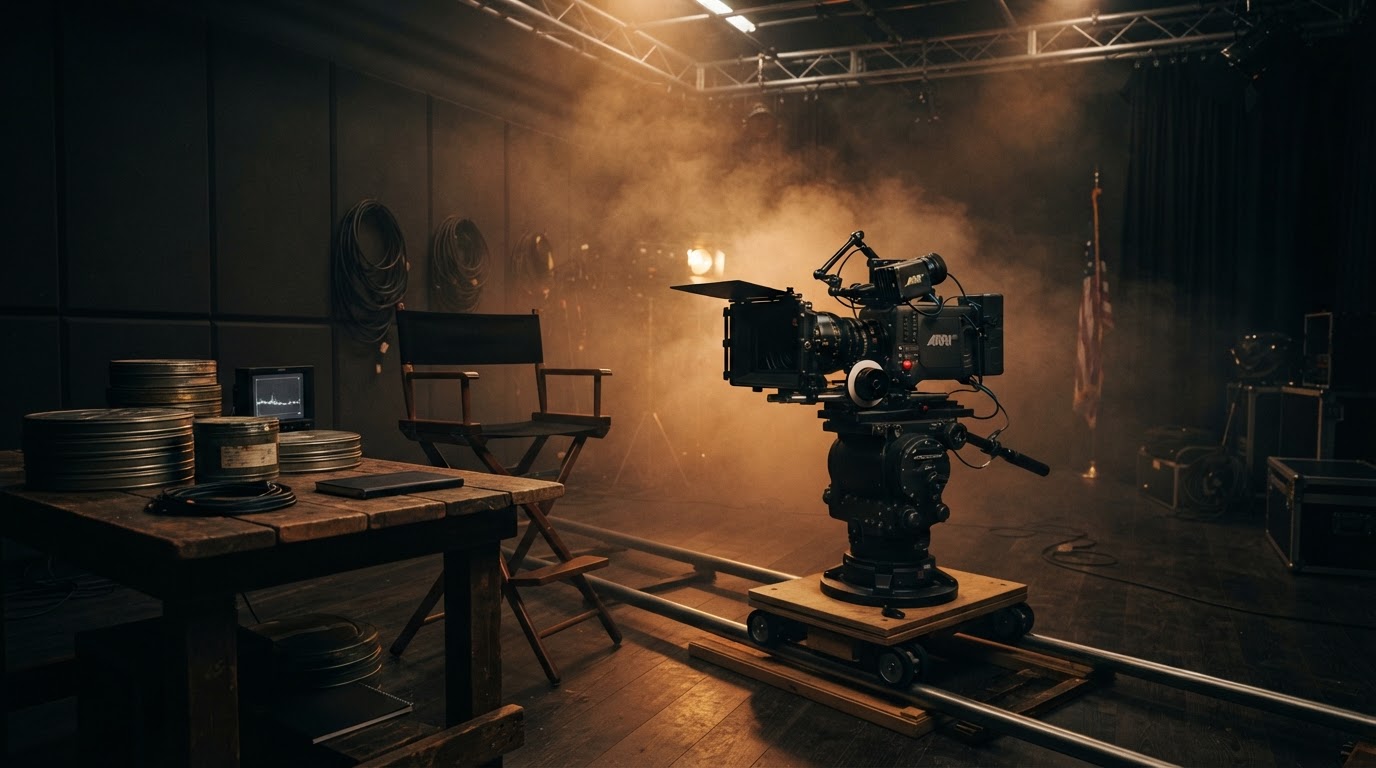
Mental models compare each tool to a film-crew role: casting, the camera department, dubbing, reshoots. You plan the shot before you burn credits.
Disclaimer. This guide is for general educational purposes. It is not written, reviewed, or approved by Higgsfield or a licensed legal, privacy, advertising, accessibility, or other professional unless stated. Higgsfield's features and interface may change, and availability varies. Obtain appropriate permission before using another person's likeness, voice, or media.
The course
Four modules
Higgsfield Platform
The full map of Higgsfield as a single creative subscription — verified tools, plans, credits, and the core production workflows.
Core Guide
The AI Twin production system — first principles, the 10-step cycle, designing a twin, the four workflow types, instructional design, accessibility, and fact-checking. Works on any platform.
Prompt Library
Battle-tested prompt structures for image-to-video, talking heads, and motion transfer — with copy-paste starting points.
Worksheet Pack
Twelve worksheets, a production tracker, six checklists, and two worked examples — the field-by-field build specs that turn the platform map and production system into a repeatable workflow.
How source labels work
Module A is the only part tied to Higgsfield's current interface. Every platform claim carries one of three labels — here is what each means and how to treat it.
Stated on an official Higgsfield page (higgsfield.ai, its Creator Hub, blog, or Help Center).
Reliable as of the check date; re-check before relying on it for money or deadlines.
Standard AI-video or production practice, not specific to Higgsfield.
Holds across platforms.
Reported by Higgsfield pages that conflict, or only by third parties.
Test it yourself before building a workflow on it.